

After you have created your shipment, you will need to assign one of your supplier issued iMSense RTL’s to the shipment.
Follow these steps to assign your iMSense RTL to a shipment:
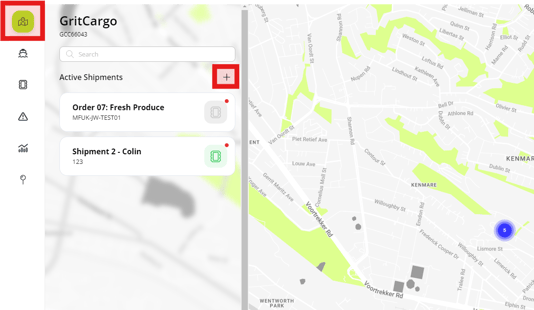
Step 1: Navigate to the dashboard landing page, and click the plus (+) sign.
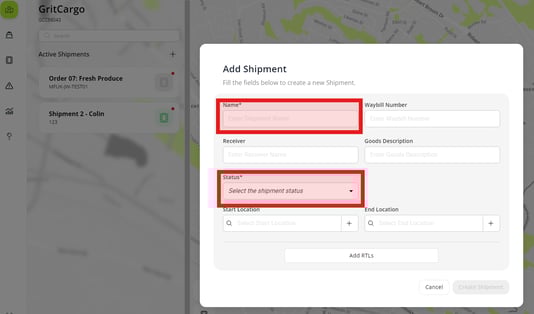
Step 2: Complete the required information.
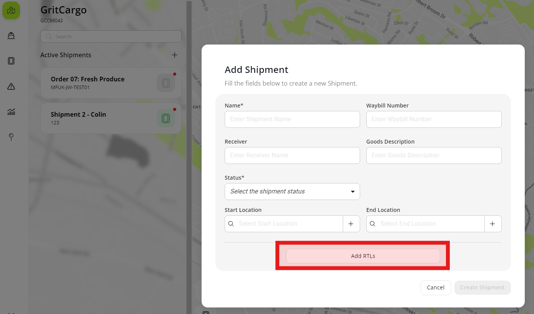
Step 3: Click the “Add RTLs” button
Step 4: Search or select your iMSense RTL serial number from the dropdown, then click save.
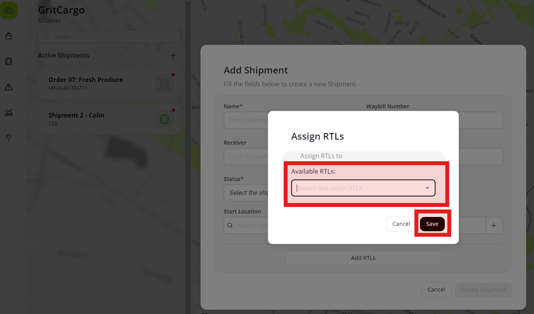
Your iMSense RTL will be assigned to your created shipment.


