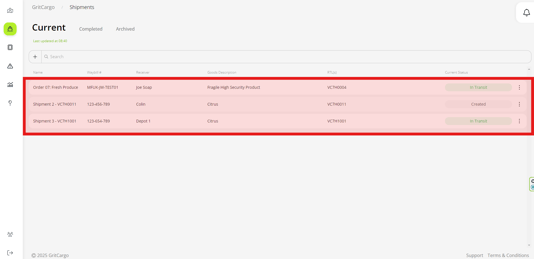
To view your active shipments, please follow these steps:
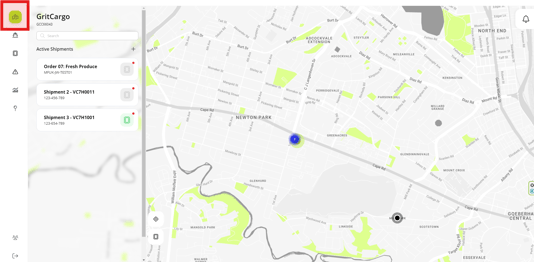
Step 1: Go to your dashboard landing page
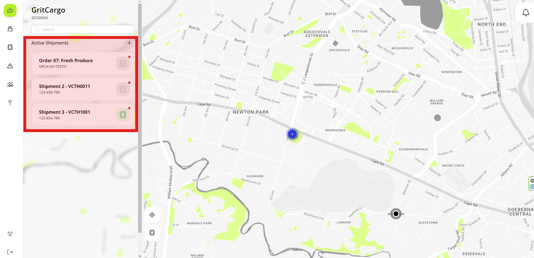
Step 2: Your active shipments will be displayed here in order of creation, with the earliest created shipment appearing at the top of the list until it is archived.
Step 3: Alternatively, by clicking on the shipments icon, this will open a list of all your active shipments.
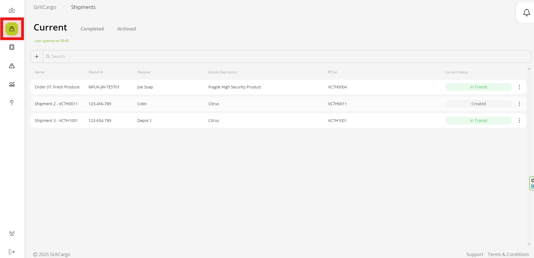
Step 4: