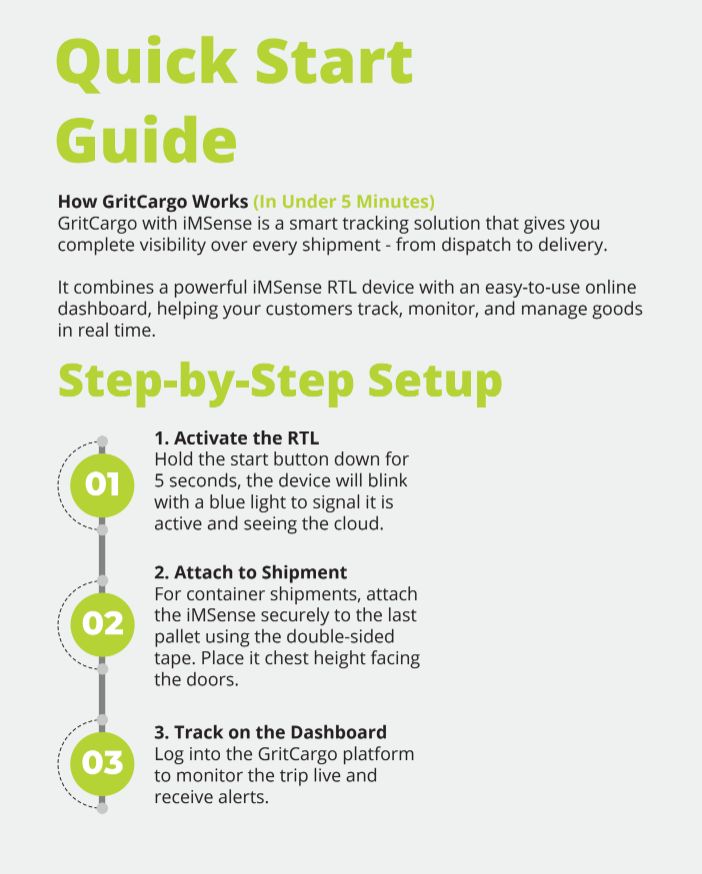
Step 1: Activate the iMSense RTL
Hold the START button down for 5 seconds.
A blue light will blink showing it is active.
Step 2: Attach to Shipment
For container shipments: attach iMSense RTL securely to the last pallet using double-sided tape.
Place it chest height facing the doors.
Step 3: Track on the Dashboard
Log into the GritCargo platform to monitor the trip live and receive alerts.